Lou Bagel Tools

Free tools for pixel artists, created by Lou Bagel.

Each tool works a bit differently so I recommend just trying them out!
Pixel Art to ASCII Converter icon
In Browser

Pixel Art to ASCII Converter

Convert pixel art images to ASCII art with color, dithering, and animation options.
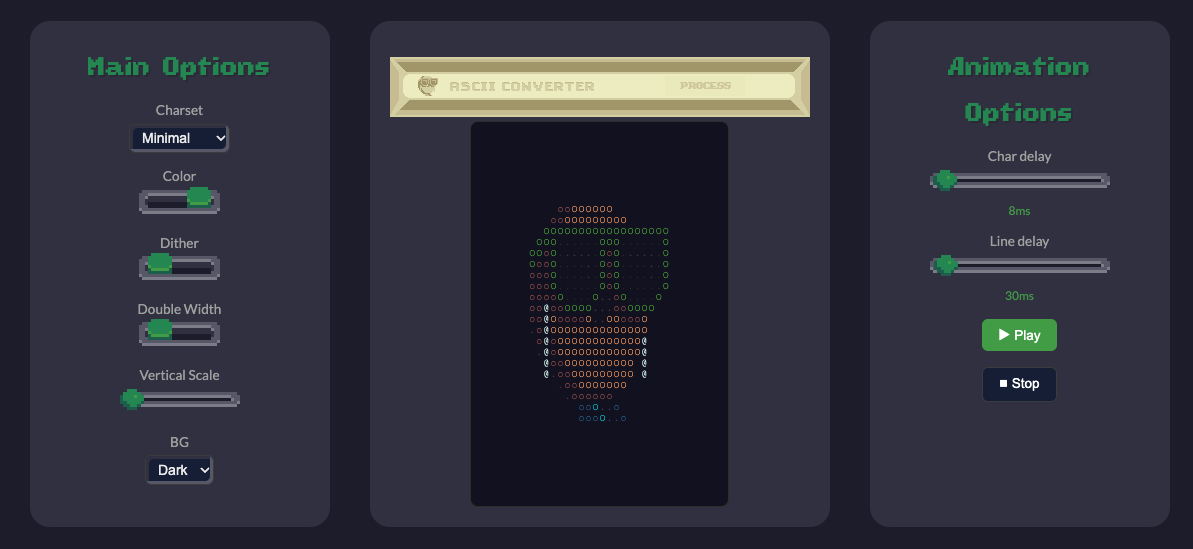
Pixel Art to ASCII Converter screenshot
Pixel Art Color Analyzer icon
In Browser

Pixel Art Color Analyzer

Upload a pixel art image to get the color palette and the color count.
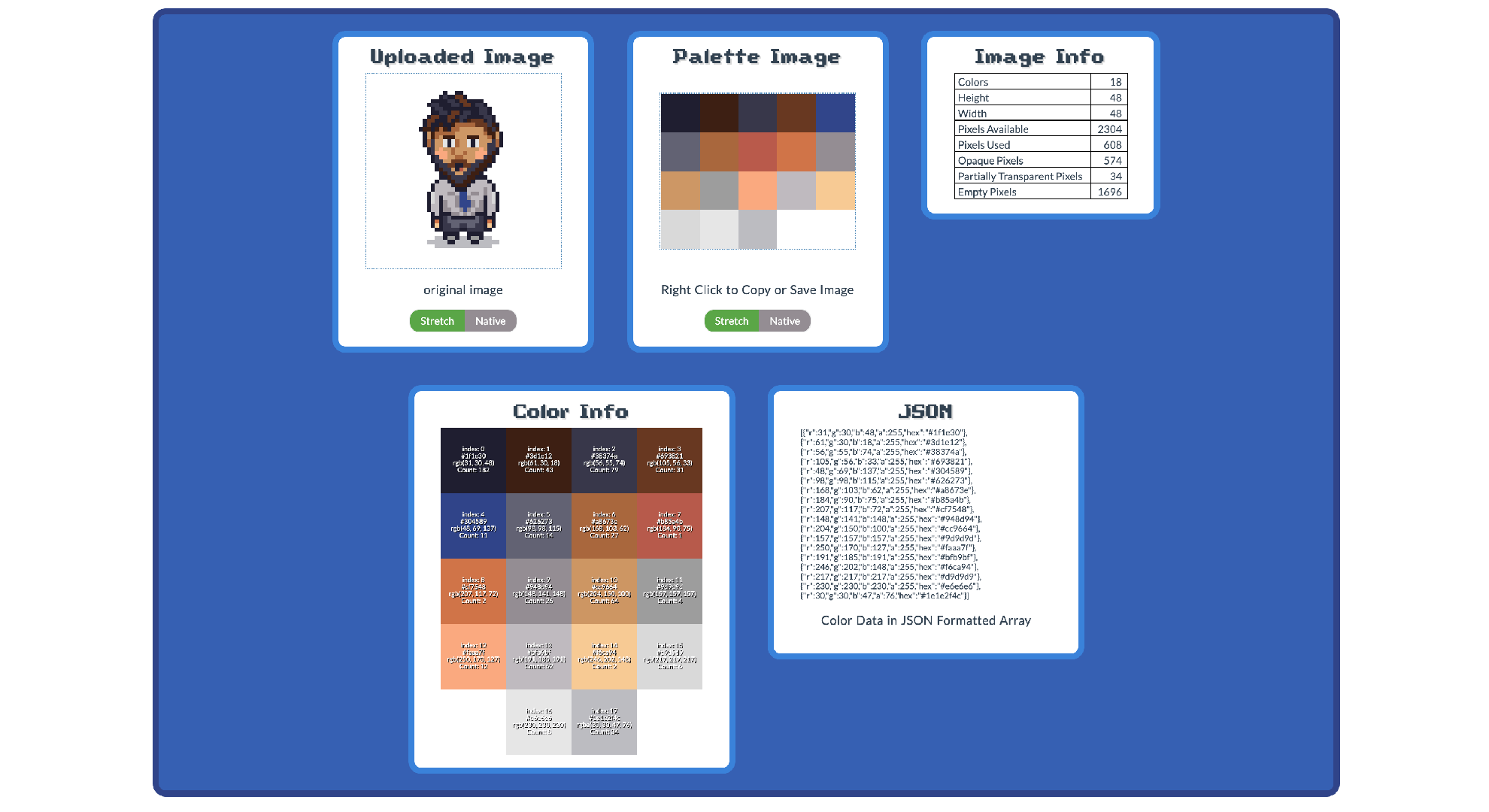
Pixel Art Color Analyzer screenshot
Pixel Gradients icon
In Browser

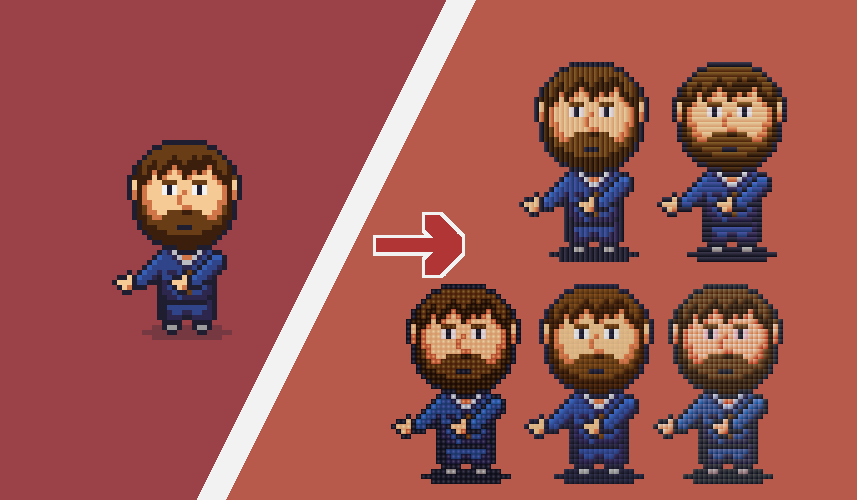
Pixel Gradients

Upload pixel art and apply per-pixel gradients with adjustable hue, saturation, value, direction, and spacing.

Pixel Gradients screenshot
Pixel Art Cropping Tool icon
Free Download

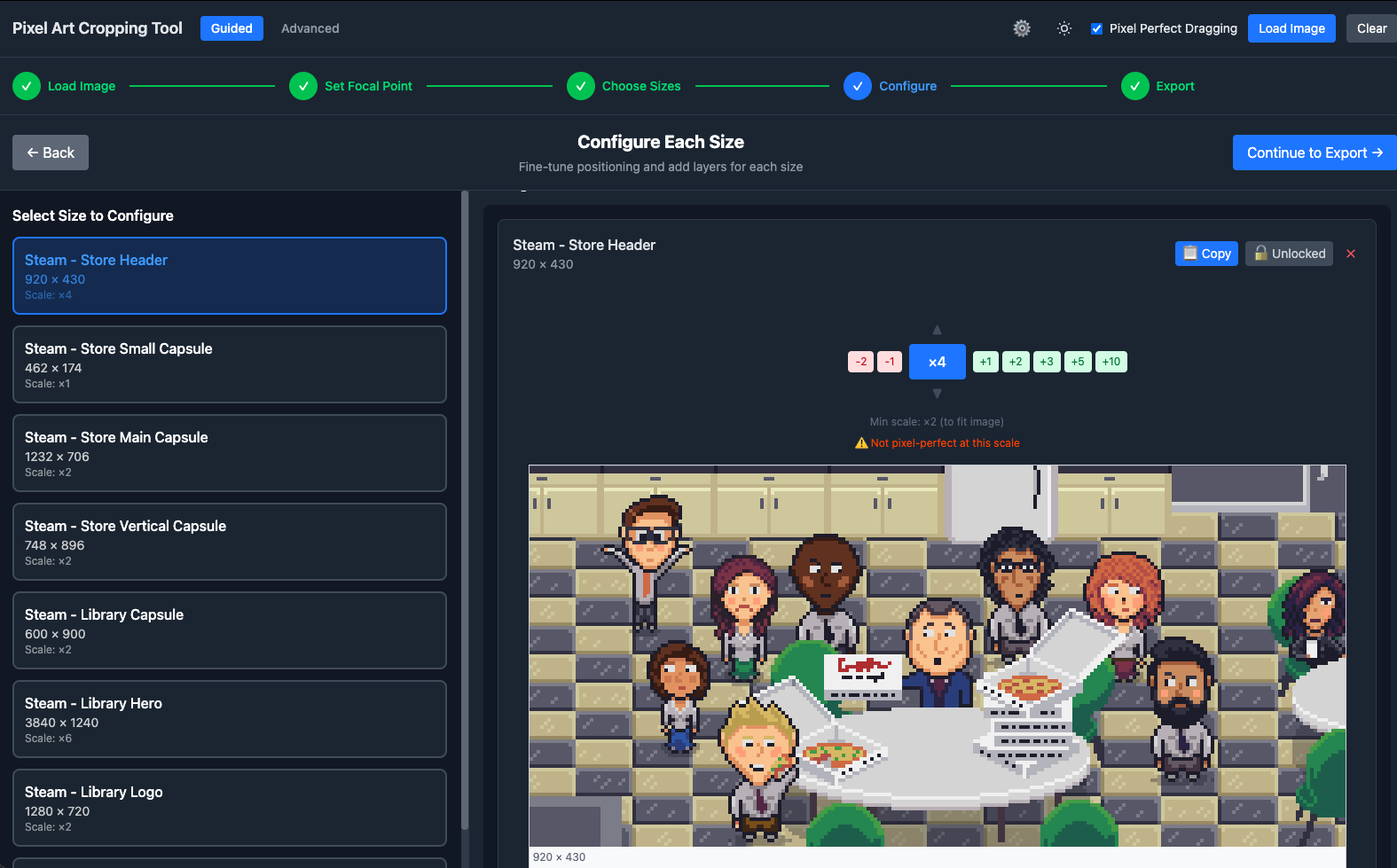
Pixel Art Cropping Tool

Scale and crop pixel art to multiple sizes at once. Preset sizes for Steam and social media. Free download.

Pixel Art Cropping Tool screenshot
Lou Bagel's Reel Machine icon
Free Download

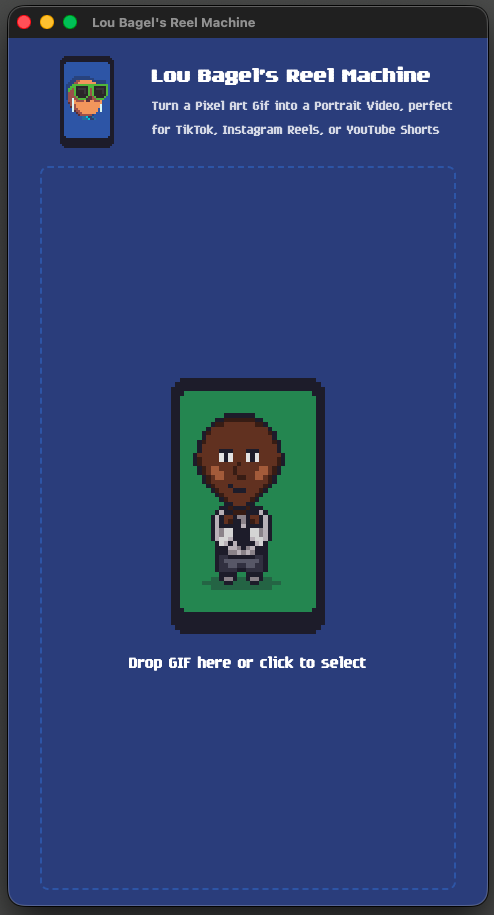
Lou Bagel's Reel Machine

Convert pixel art GIFs to MP4 videos sized for Instagram Reels, TikTok, and YouTube Shorts. Free download.

Lou Bagel's Reel Machine screenshot
HTML Blog Converter icon
In Browser

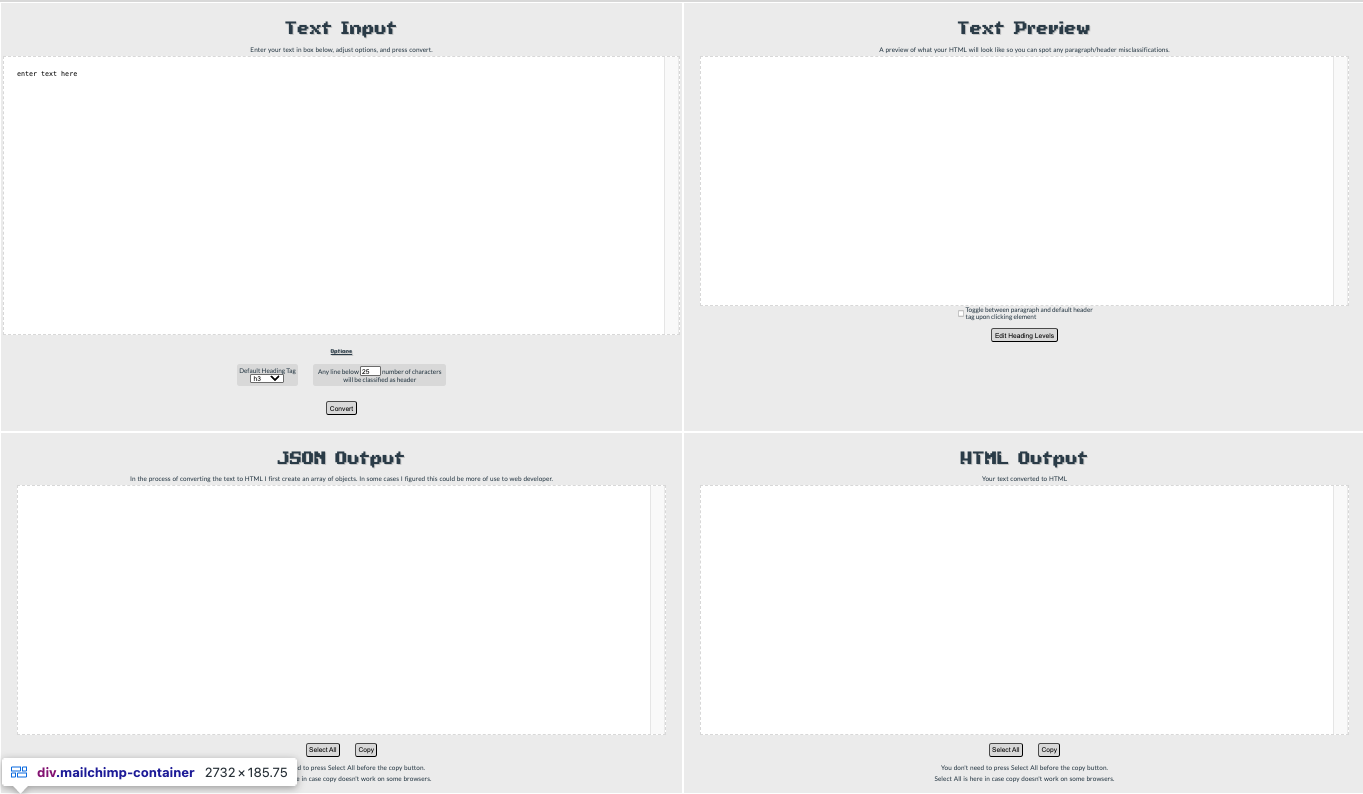
HTML Blog Converter

Takes plain text and adds HTML paragraph and heading tags.
HTML Blog Converter screenshot

Why I Made These Tools

I'm lazy. So if something annoys me because it seems tedious then I try to figure out a way to solve it so I don't have to keep doing it.

Obviously, some of these other ones are just for fun. If I think of something that sounds cool, I give it a try. Even if it doesn't have a specific goal to achieve, one creative idea can lead to another.

Like What You See?

Join my mailing list so I can tell you when my next game is on Steam!

Lou Bagel Logo

Follow the Bagel